AI Nail Art Ideas: Palettes, Prompts & Image Tools
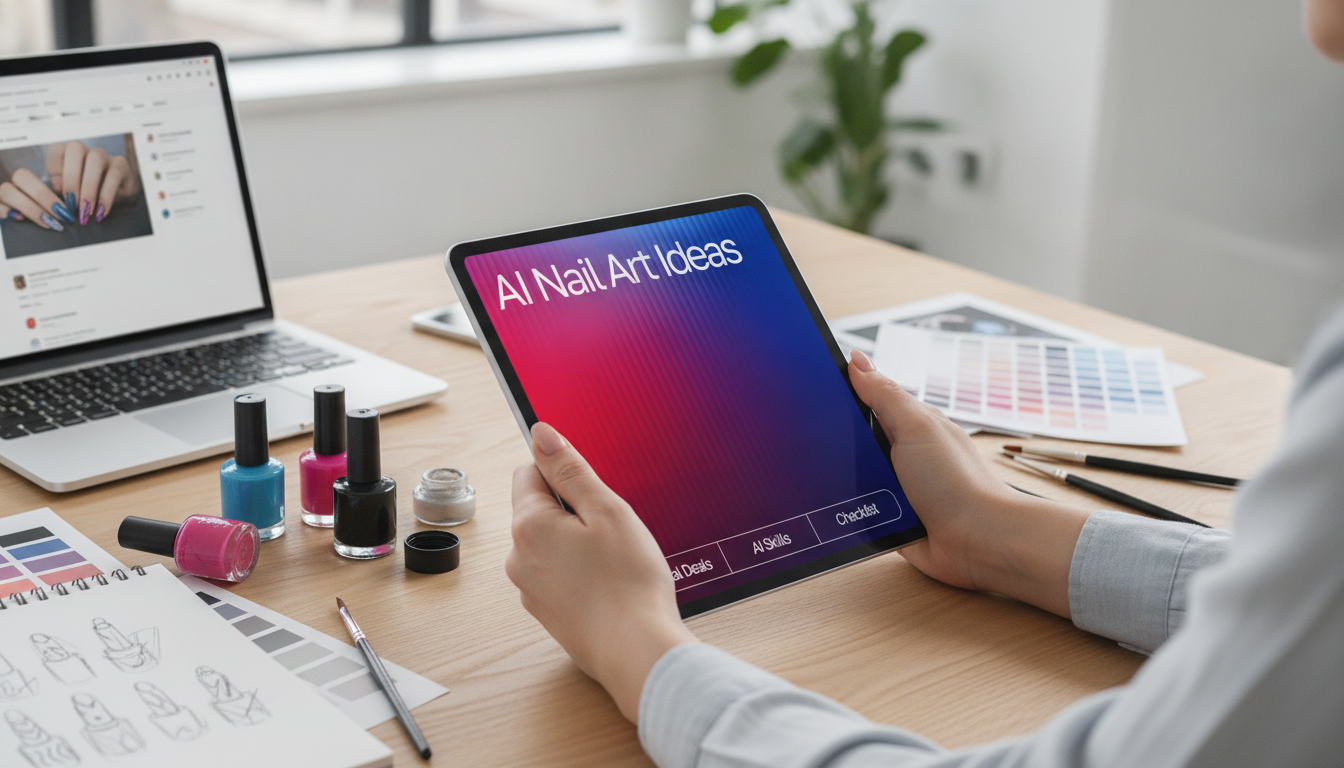
AI Nail Art Ideas for Custom Designs: A Digital Guide to Styles, Color Palettes, and Image Tools
Custom nail concepts get easier to explore when inspiration, color direction, and image tools work together. Instead of scrolling endlessly or guessing how a “vibe” should translate across ten nails, you can follow a simple system: pick a style path, lock a palette, then generate a few reference-ready options that convert cleanly into real techniques like chrome outlines, syrupy jelly layers, aura glows, cat-eye velvet shifts, and encapsulated details. For more guidance, see Using Ai to Create Nail Art Designs | Essential Nails.
If you want a structured way to build cohesive sets (and save your best formulas for later), the AI Nail Art Ideas digital download guide organizes the process so you can move from rough theme to a wearable plan without losing consistency nail to nail.
What This Digital Guide Helps Create
- Fast concept exploration for seasonal themes, event looks, and everyday minimal styles.
- Consistent design direction by deciding motif, finish, and detail level before generating visuals.
- Palette-first planning so all ten nails feel like one set (not ten separate ideas).
- Reference images that translate into real techniques: linework, chrome, jelly, aura, cat-eye velvet, and encapsulated effects.
Pick a Style Path Before Generating Images
A style path is your guardrail. It prevents “pretty but unusable” results by limiting the design language from the start. Choose one lane, then explore variations inside it.
- Minimal: micro-French, negative space, fine metallic lines, clean geometry.
- Glazed & chrome: pearl glaze, mirrored accents, oil-slick gradients, halo highlights.
- Soft aura & jelly: blurred center glow, translucent syrup layers, milky overlays.
- Maximal & textured: 3D charms, gemstone clusters, quilted patterns, embossed florals.
- Illustrative: hand-drawn botanicals, manga-style panels, celestial maps, stained-glass segments.
Turn a Vibe Into a Clear Design Brief (Without Overthinking)
When you can describe a set clearly, you get cleaner, more consistent concept images and an easier path to execution at the table.
Use 4 anchors
- Theme (what): cherry night, coastal porcelain, gothic lace, spring botanicals.
- Mood (how it feels): airy, romantic, sharp, playful, editorial.
- Finish (shine/texture): matte, glassy, chrome-lined, velvet cat-eye, jelly.
- Focal element (hero detail): one gemstone cluster, one celestial “map” nail, one chrome-framed aura.
Add practical constraints
- Nail shape and length (short almond reads differently than long stiletto).
- Accent-nail count (for wearability, try 2 hero nails + 8 supporting nails).
- Materials that change realism: chrome, velvet cat-eye, jelly translucency, matte top coat, gold foil.
Keep variations purposeful: change only one element at a time (palette, motif, finish, or layout). That way, you can compare options quickly and keep the winning direction intact.
Color Palettes That Read Beautifully on Nails
Great sets usually rely on a simple palette structure: one base shade, one accent shade, and one metallic or neutral detail. This keeps the design cohesive in photos and in real life, especially when your set includes both simple repeats and a few detailed nails.
- Balance contrast: one deep tone + one light tone + one reflective element often photographs best.
- Match undertones: cool, warm, or neutral undertones reduce “almost right” results on skin.
- Use brights strategically: reserve intense colors for tips, dots, or thin lines to avoid overwhelming the set.
| Palette name | Base | Accent | Detail |
|---|---|---|---|
| Milky Latte Chrome | sheer milky beige | soft taupe | champagne chrome |
| Cherry Jelly Night | translucent cherry red | deep burgundy | silver micro-glitter |
| Ocean Aura | milky pale blue | teal haze | pearl shimmer |
| Garden Party | creamy nude | sage green | antique gold foil |
| Cosmic Black Tie | inky black | smoky violet | holographic flakes |
Choose the Right Image Tool for Nail Concepts
Different tools excel at different outcomes: fast variations, cleaner compositions, or presentation-friendly mockups. If you want to compare capabilities or learn features directly from the source, see Midjourney Documentation, OpenAI Image Generation (DALL·E) Overview, and the Canva Help Center: AI features.
- Match the tool to the job: rapid exploration vs. photoreal references vs. layout mockups.
- Use clear angles: top-down hand pose, macro nail close-up, or a single-nail swatch board.
- Generate multiple options quickly, then refine one direction with tighter constraints.
Text Instructions That Produce Better Nail Results
Better results come from describing the set like a set design, not a single nail. Be specific about structure and realism.
If you also create client captions, listing copy, or collection names, a consistent tone helps your posts feel as polished as the sets. The AI tips to elevate your writing voice checklist can help keep descriptions clear and on-brand across launches.
From Generated Concept to Wearable Set
Client Consults and Salon Use
Usage Notes, Rights, and Best Practices
Digital Download: What’s Included and Who It’s For
Explore the AI Nail Art Ideas digital download guide when you want repeatable systems you can use for everyday sets, seasonal drops, or client consults.
FAQ
Which tool is easiest for a beginner creating nail concept images?
Start with the simplest workflow and strongest guardrails: Canva AI is great for moodboards and presentation, while DALL·E is a straightforward option for clean concept generation. Once you’re comfortable refining directions, MidJourney is a strong next step for stylized, editorial-looking sets.
How can generated nail designs be made more realistic and wearable?
Specify nail shape and length, the camera angle, and “salon manicure” realism (natural proportions, five fingers, accurate nail placement). For wearability, limit the set to a few repeatable elements and use a hero-nail layout supported by simpler repeats.
Can these concepts be used for client sets and press-on shops?
Yes—use them as references and consultation aids, then document the final design recipe (colors, placements, finishes) you actually deliver. Avoid copying protected logos or identifiable artworks, and keep the final result original by describing techniques and materials rather than duplicating someone else’s signature work.









Leave a comment