AI Craft Ideas: Palettes, Plans & Original Maker Twists
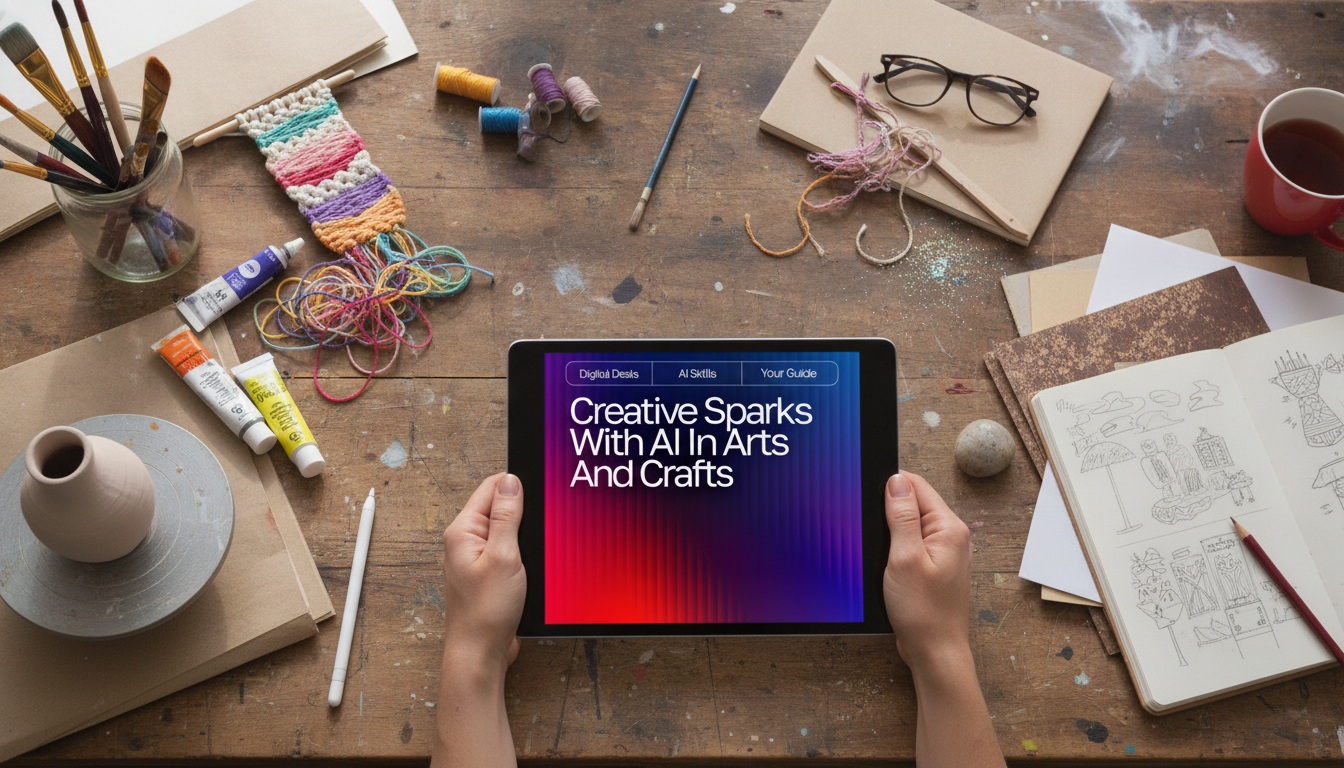
Creative Sparks with AI for Arts and Crafts: Fresh Ideas for Makers, Crafters, and Artists
Creative ruts happen to everyone—especially when time is limited, supplies are random, or a project needs a new twist. AI can act like a brainstorming partner that helps generate themes, color palettes, variations, and step-by-step options without replacing the maker’s voice. The key is treating suggestions as raw material: you choose what fits your style, your tools, and the real-world behavior of what you’re making. Below are practical ways to use AI for arts and crafts inspiration, translate ideas into finished pieces, and keep everything personal and original.
What AI Is Good at in Arts and Crafts (and What It Isn’t)
AI shines when you need momentum. It’s especially useful for quick idea generation, remixing themes, suggesting color palettes, planning steps, troubleshooting techniques, and producing variations for different skill levels. If your brain is stuck on “I’ve made this before,” AI is great at offering 10 new angles in seconds.
It’s also helpful when you’re working with constraints: limited materials, a short time window, seasonal themes, or a specific recipient (teacher gifts, party favors, memorial keepsakes). When you tell it, “I have cardstock, twine, and one black marker,” you’ll get far more usable ideas than with a generic request for “craft projects.”
What it isn’t: a substitute for craft knowledge. Suggestions may ignore dry time, shrinkage, fabric grain, adhesive compatibility, or how paints react on different surfaces. Treat ideas like a starting sketch and test on scraps first—especially with resin, polymer clay, fabric dyes, and anything heat-related.
AI works best with context. The more details you provide (materials, style, purpose, size, time, and skill level), the more realistic the plan becomes.
A Simple Workflow: From Spark to Finished Piece
When inspiration is scattered, a repeatable workflow prevents decision fatigue while keeping room for happy accidents.
- Start with a creative constraint: pick one primary material (paper, yarn, polymer clay, resin, wood, fabric) and one goal (gift, decor, wearable, classroom activity).
- Ask for options, then narrow: generate 10–15 ideas quickly, then filter by time, tools, and confidence level.
- Request a build plan: ask for a supply list, measurements, drying/curing notes, and a step-by-step sequence.
- Add a personal signature: bring in a repeating motif (leaf shape, star stitch, scalloped edge), a consistent palette, or a storytelling element (date tag, hidden message, meaningful symbol).
- Prototype small: test a mini version, then scale up after verifying color, texture, and durability.
- Document the process: keep a short “recipe card” of ratios, settings, or stitch counts so you can recreate successes.
For a structured set of fill-in-the-blank idea builders you can reuse anytime, see the Creative Sparks with AI in Arts and Crafts Guide (digital download).
Idea Boosters That Keep Projects Feeling Original
The best results come from steering ideas toward your personal “maker fingerprint.” Try these boosters when suggestions feel too generic:
- Style blending: combine two aesthetics (cottagecore + geometric, minimal + botanical, vintage labels + modern typography) to get fresher directions.
- Material swaps: ask for alternatives based on what you actually have (scrap fabric instead of felt, watercolor instead of markers, air-dry clay instead of polymer).
- Variation ladders: generate three versions of the same project—beginner (fast), intermediate (detail), advanced (mixed media).
- Theme expansions: turn one concept into a set (four coasters as seasons; three greeting cards as a mood series; a wall grid as “monthly mini art”).
- Constraint games: “only two colors,” “no glue,” “30 minutes,” or “use five items from the recycling bin” can unlock surprising solutions.
If you also write product descriptions, class handouts, or craft-fair signage, the AI Tips to Elevate Your Writing Voice (editable checklist) can help keep your tone consistent across listings, tags, and instructions.
Project Ideas You Can Generate in Minutes (Then Customize)
Quick AI-to-Make Project Menu
| Project type | Best materials | Time estimate | Easy personalization |
|---|---|---|---|
| Layered paper art | Cardstock, craft knife, glue | 45–120 min | Choose a meaningful silhouette or location |
| Stash-buster coaster set | Scrap yarn/fabric, needle/hook | 1–3 hrs | Palette based on a room or season |
| Mini collage postcard series | Magazines, paper, adhesive | 30–90 min | Use a consistent motif (birds, moons, botanicals) |
| Air-dry clay trinket dish | Air-dry clay, texture tools, paint | 60–120 min + dry | Press a personal symbol or initials |
| Upcycled jar lantern | Glass jar, paint, wire/twine | 30–60 min | Stencils from a custom theme set |
Turning AI Suggestions into Clear Step-by-Step Instructions
Using AI Responsibly in Creative Work
For deeper guidance on rights and reuse, consult the U.S. Copyright Office registration guidance and WIPO’s overview of AI and intellectual property.
A Handy Digital Guide for Ongoing Inspiration
If you want a repeatable system that reduces decision fatigue—choose a craft type, plug in constraints, generate options, then build a workable plan—explore the Creative Sparks with AI in Arts and Crafts Guide (digital download).
FAQ
How can AI help when there are limited supplies on hand?
List what you have (materials, tools, and quantities), add your time limit and skill level, and ask for multiple project options plus substitutions. Then prototype a small test piece to confirm the real behavior of your materials before committing to the full project.
How do AI-generated craft ideas stay unique?
They stay unique when you add personalization layers like a custom palette, an original motif, and a meaningful theme, then make maker-led edits to structure and finishing. Using broad style descriptors (instead of copying a specific living artist) also helps keep results authentic.
Can AI help turn a vague idea into a step-by-step plan?
Yes—ask for measurements, a clear sequence, checkpoints, tool alternatives, safety notes, and finishing/care instructions. If any step feels unclear, request a revision for your exact materials and time constraints.













Leave a comment